
Online Youth Centre
We host a free Online Youth Centre on our private Discord Server. This is a safe, moderated space so children can connect outside of our sessions. Like a traditional youth centre, with different games and activities and other young people to talk to – only online so you can enjoy hanging out with friends from the comfort of your own home!
Apply using the form below – you will then be contacted to arrange a short Zoom verification call with the young person and their parent/caregiver (this forms part of our safeguarding arrangements)
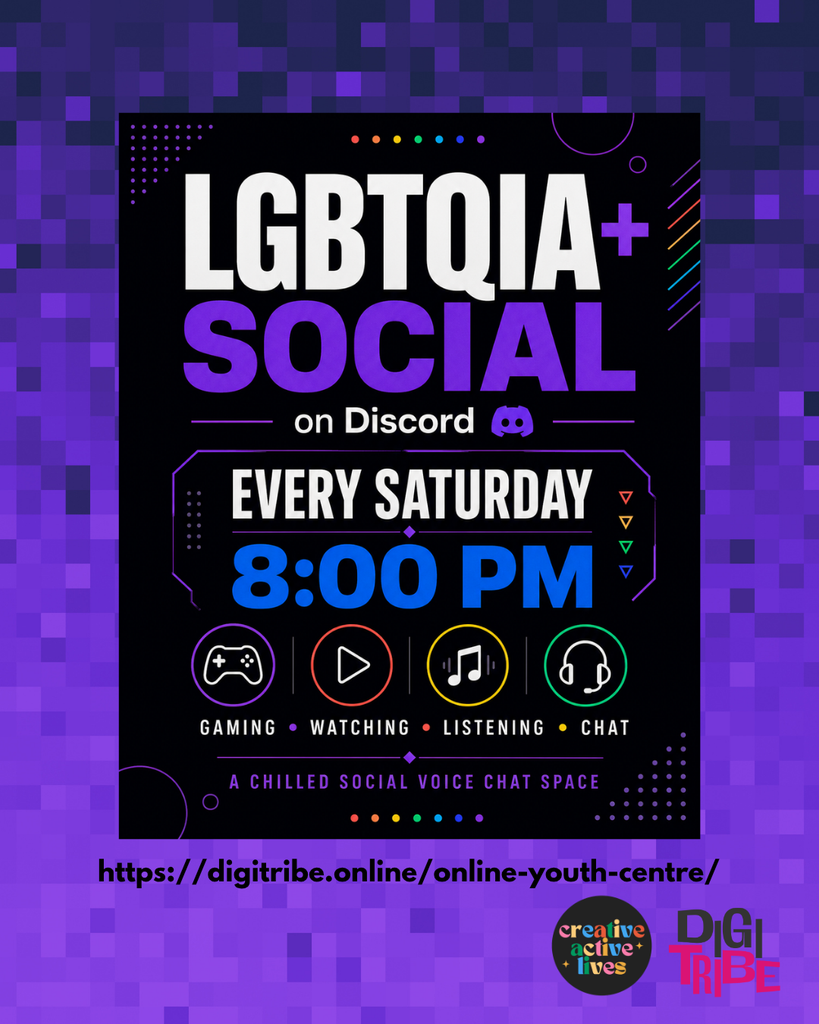
It is a private Discord server. You can join it using the link we will email you – you can join as a parent, and access a private parent/caregiver space. Or your child can join for themselves to access young persons space. That means:
• It is not public
• It cannot be searched for or randomly joined
• Only invited members can access it
For safeguarding, no one can join until our Admin team examine and approve an application. No one can join without us sending them an invite link.
There are also spaces linked to hobbies, memes, and other games, age restricted channels for games which are PEGI16 and PEGI 18, and a separate parent/carer channel for communication. Parents/carers will not be inside the youth channels. You are always welcome in the parent space and you can supervise your child’s device at home in whatever way works for your family.
About Discord:
Discord is free online platform where communities gather and is very popular with gamers.
It works on mobile phones, tablets, laptops and desktop PCs. There is a free app available on the App Store and Google Play, or it can be accessed through a web browser on a computer.
Discord’s minimum age requirement is 13 years old. This is set by Discord. When creating an account, users must enter their date of birth. We only invite young people who meet this requirement.
To sign up, you download the app or visit the website, create an account using an email address, choose a username, enter date of birth, and verify the email address. We recommend parents are involved in the setup process. You may prefer to use your own email address so you retain oversight.
Privacy settings on Discord
Discord allows private messaging and friend requests. If left on open settings, strangers can attempt contact. We recommend adjusting these settings immediately after account setup.
We recommend:
• Turning off direct messages from server members who are not already approved friends
• Turning off friend requests from “everyone”
• Reviewing the “Privacy & Safety” settings together as a parent and child
• Making sure their account is not discoverable via email or phone number
• Keeping profiles simple and not sharing any personal or identifiable information
• Details about where they are or who they are with
Even in private servers, it is good digital practice not to overshare. We reinforce this in our sessions.
Discord also hosts large public servers. These are not connected to DigiTribe. Public servers can be unmoderated and not always appropriate. We strongly advise that young people only join trusted, moderated communities.